
Introduction
This article describes how you can locate your Merchant ID (MID) number within the Merchant Dashboard. If your district has multiple MIDs, follow the additional steps outlined below to view all assigned MIDs.
Steps
- Log on to Merchant Dashboard.
- To find the MID associated with a specific batch:
- From the Last 5 Batches pane, click on any batch number.
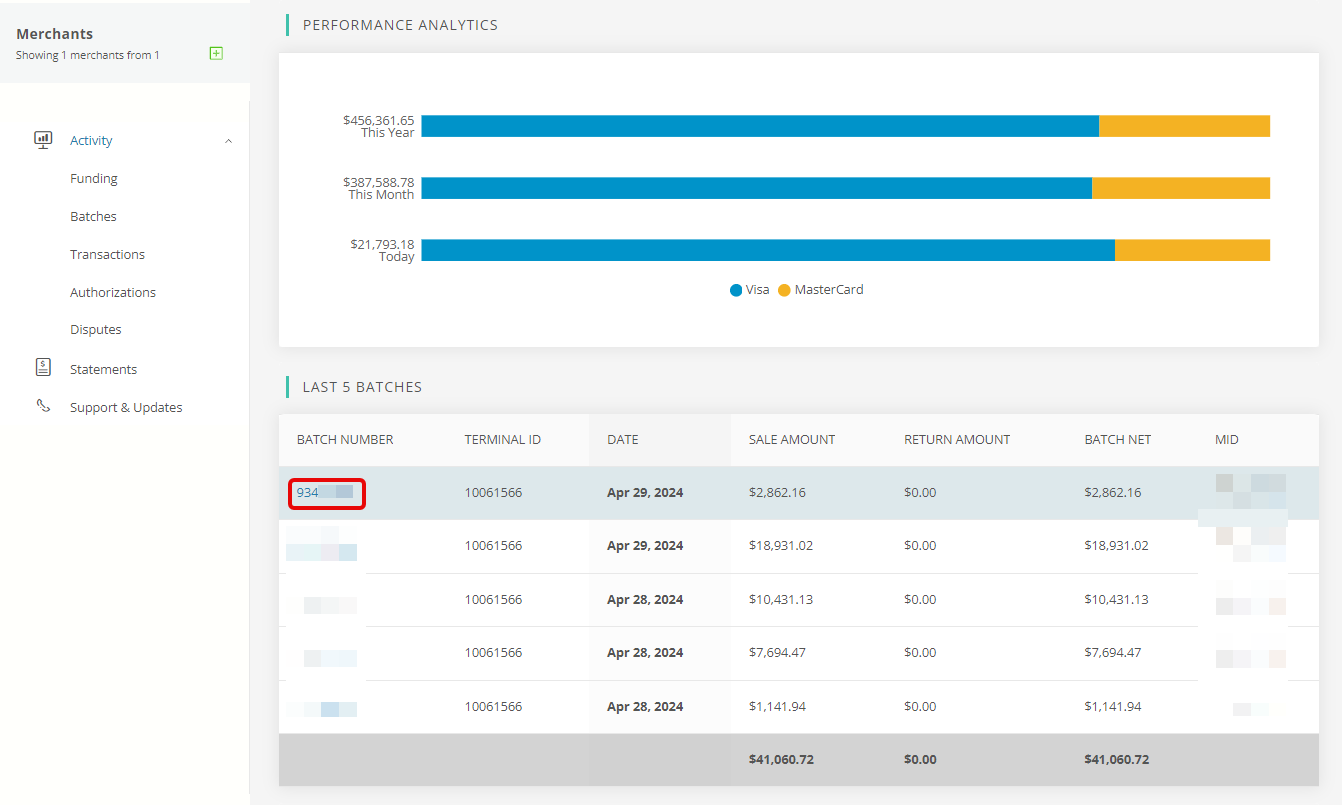
- The Batch details screen appears. The full MID is located at the top left.

- From the Last 5 Batches pane, click on any batch number.
- To view all MIDs assigned to your district:
- Click on the Funding tab in the left navigation menu.
- In the Funding Summary section, locate the Merchant ID column.
- This column lists all MIDs assigned to your district.