
If you would prefer not to wait until the next settlement window or have devices that aren't consistently settling due to connectivity issues, you can manually settle your Point of Sale (POS) transactions:
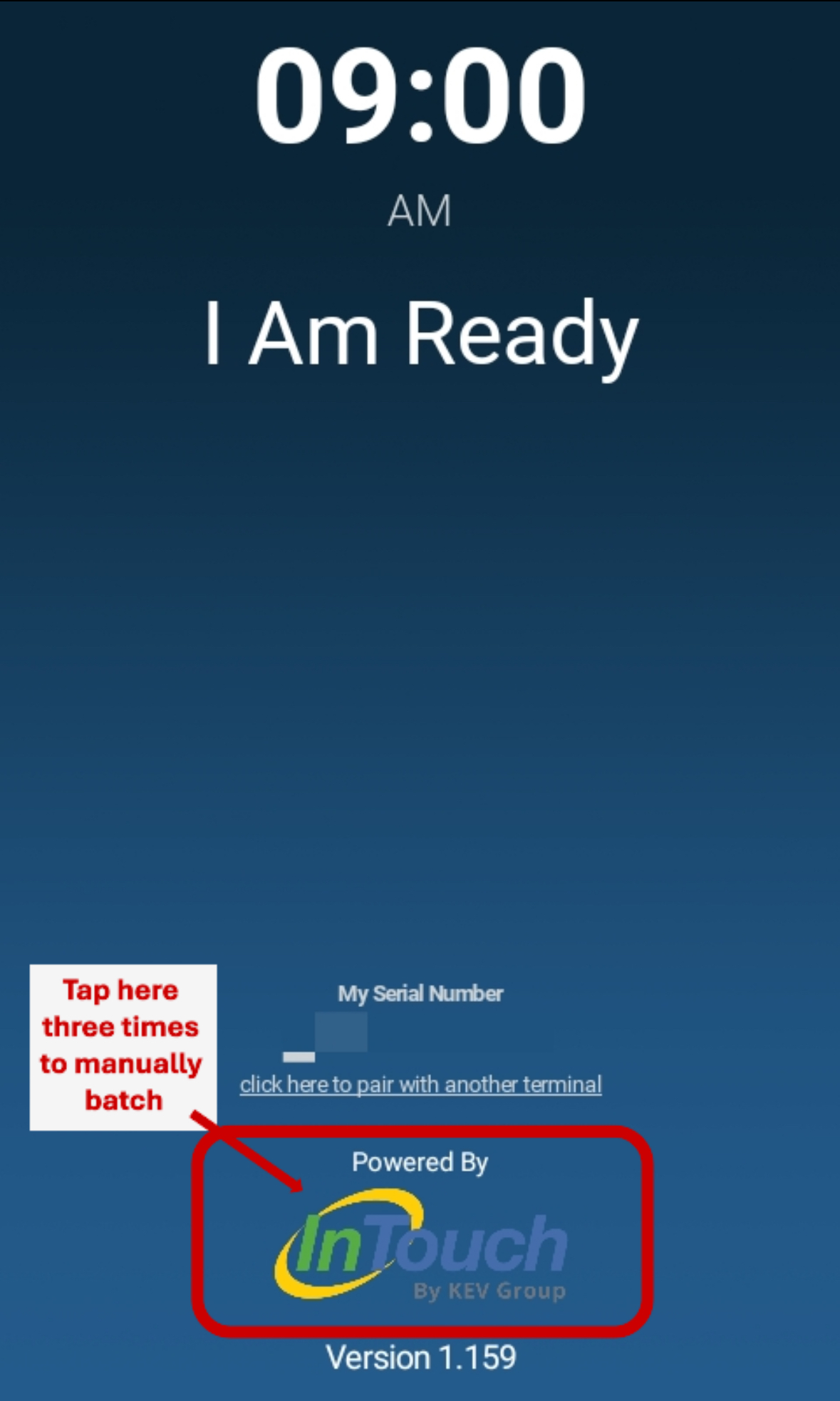
- Confirm that the KEV POS app is version 1.136 or later (check the bottom of the screen).
- Tap the InTouch logo three times.
Impact of Unsettled Transactions
- Funding will not occur, and transactions will not appear in InTouch until they are settled on the device.
- If a transaction is unsettled for more than 30 days, it may appear as a new purchase on the purchaser's credit card statement.