
Introduction
This article provides a guide on how to print to a credit card device by configuring the Point-of-Sale settings. Follow these steps to ensure proper setup.
Printing to a Credit Card Device
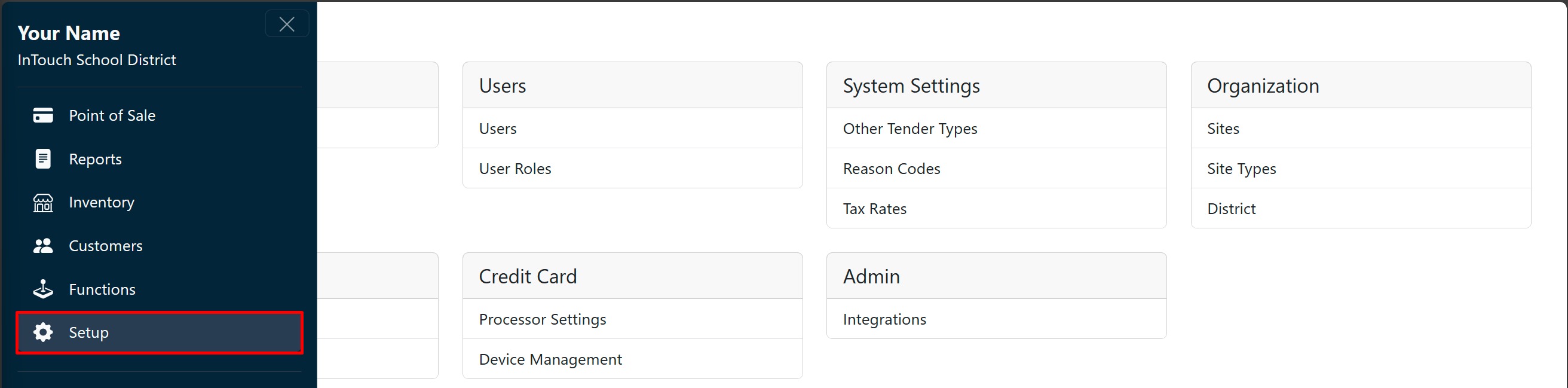
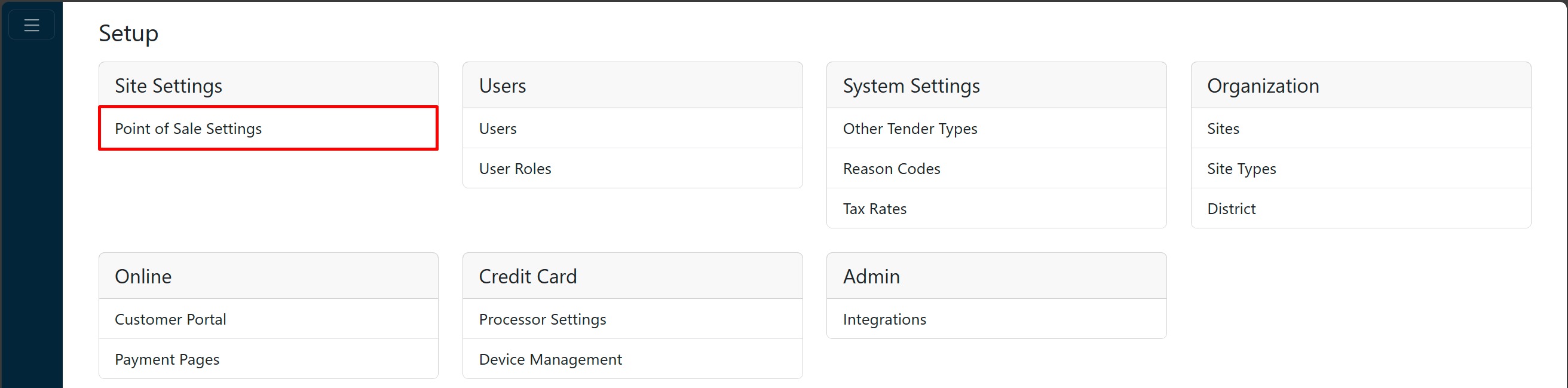
Go to Setup, and then Point-of-Sale Settings.
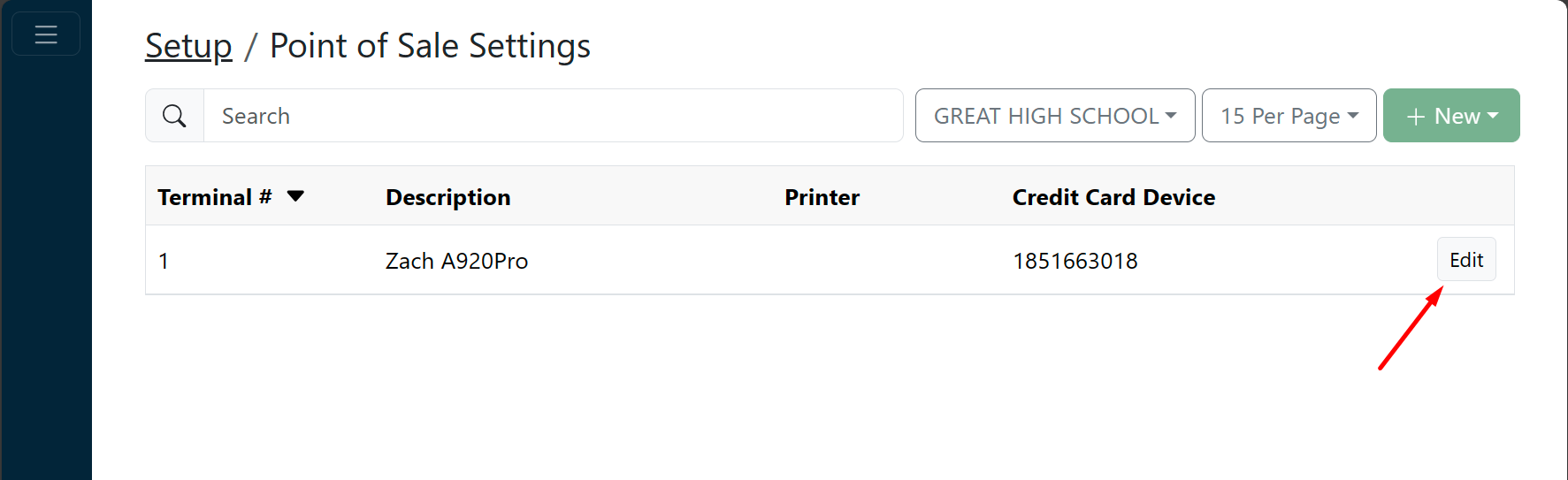
Locate the appropriate site and terminal #, and click Edit.
On the hardware tab, select Pax (built-in) from the Printer Type dropdown list.
Additional Information
You must also configure Credit Card Device Type as PAX, with its corresponding serial #.

Click Save.
