Introduction
This article provides instructions for viewing fines or fees associated with a customer in the Point of Sale system. Follow these steps to locate and review the relevant details for unpaid or resolved fines and fees.
Steps to View Fines/Fees
- Go to Point of Sale.
- Lookup and select the customer.
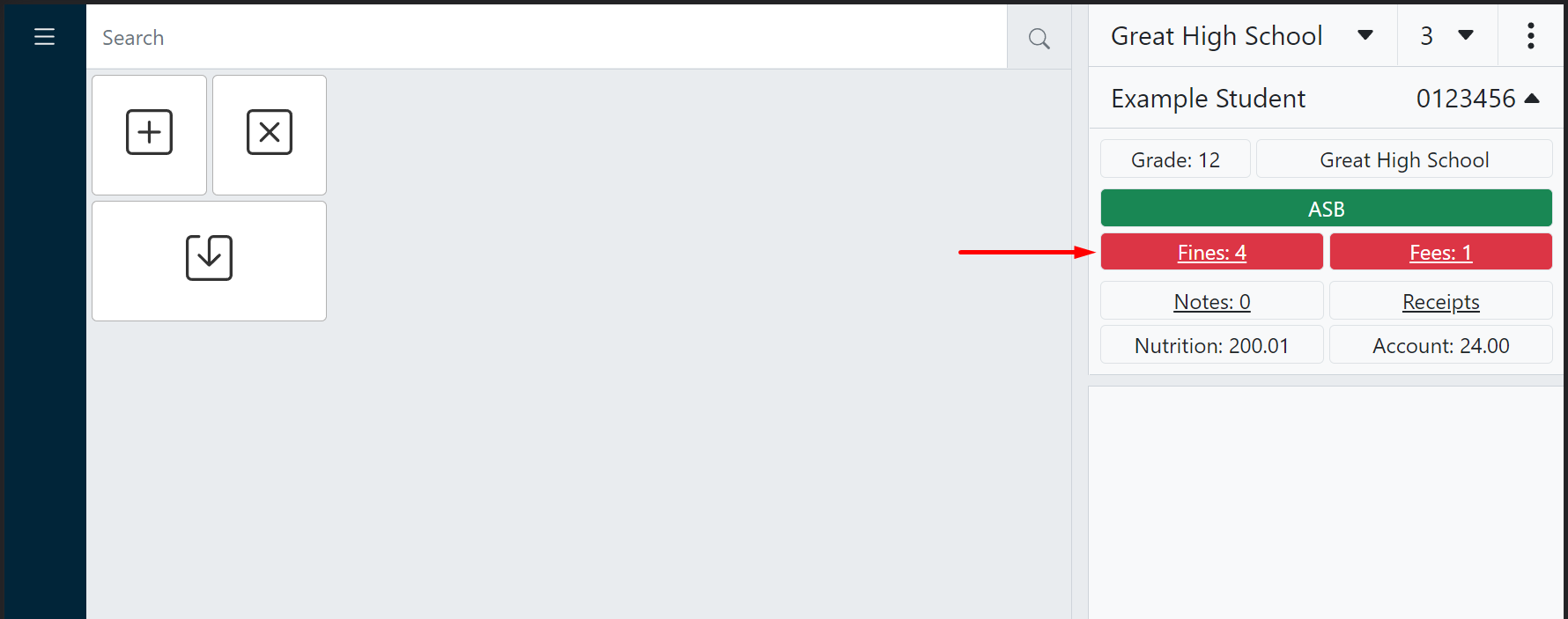
- In the customer information panel, click either the Fines or Fees indicator to open the customer history panel.
Tip
Red fines and fees badges indicate the customer has unpaid fines/fees, along with the total count.
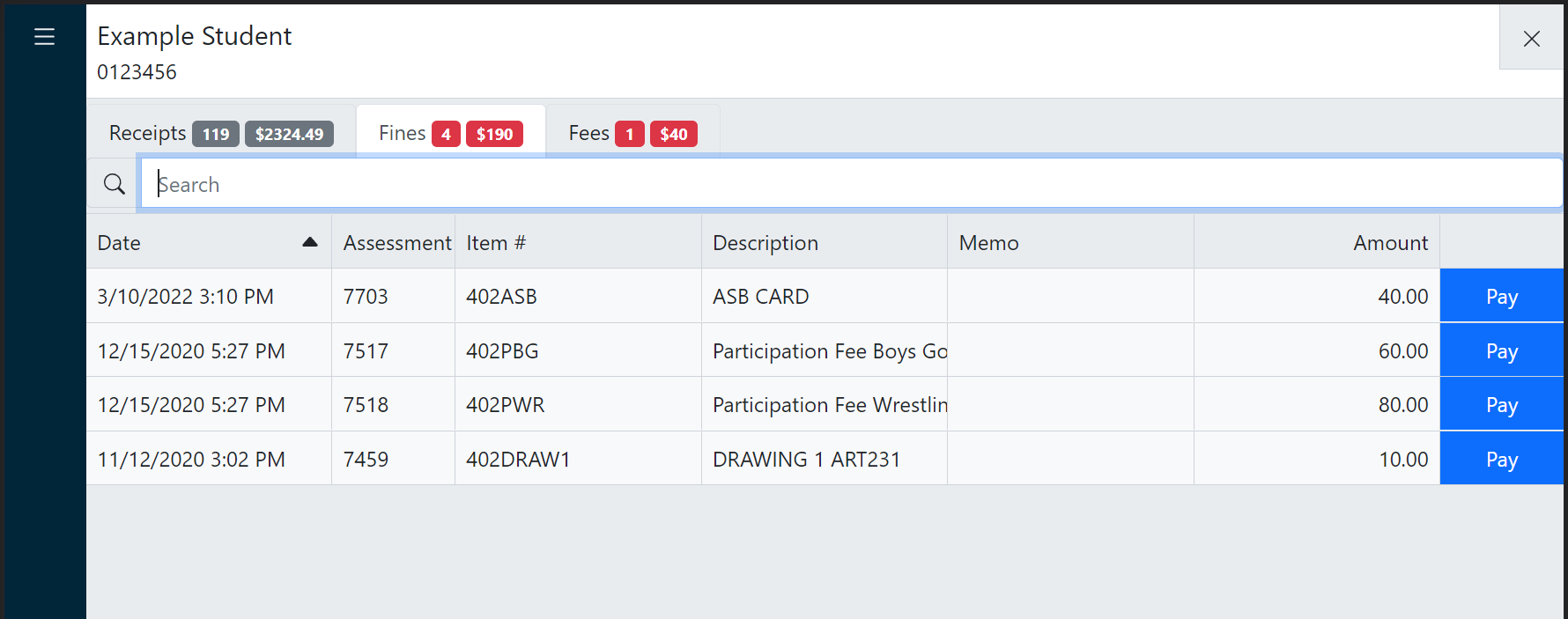
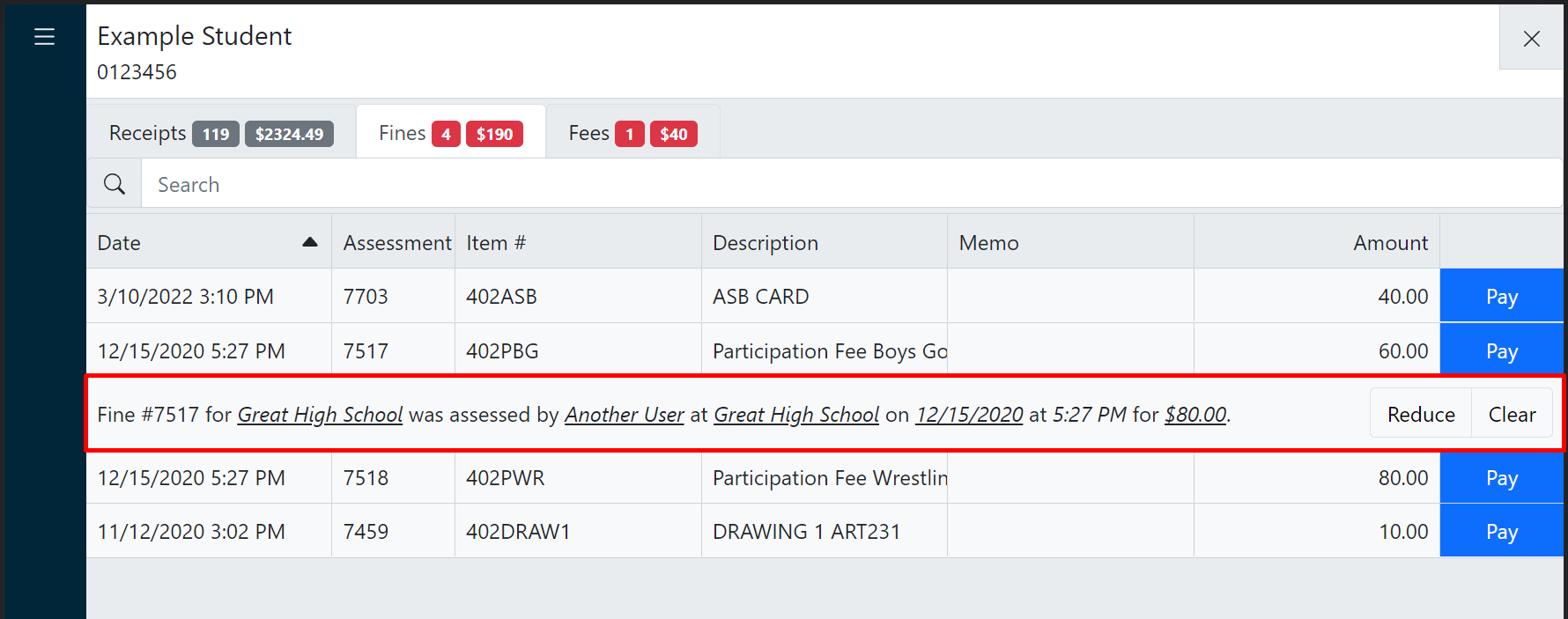
- Click a fine or fee to reveal additional information.