Introduction
This guide explains how to process payments for fines or fees in the Point of Sale system. Follow these steps to locate and pay fines or fees for a customer, including options for full or partial payments.
Steps to Pay a Fine/Fee
- Go to Point of Sale.
- Lookup and select the customer.
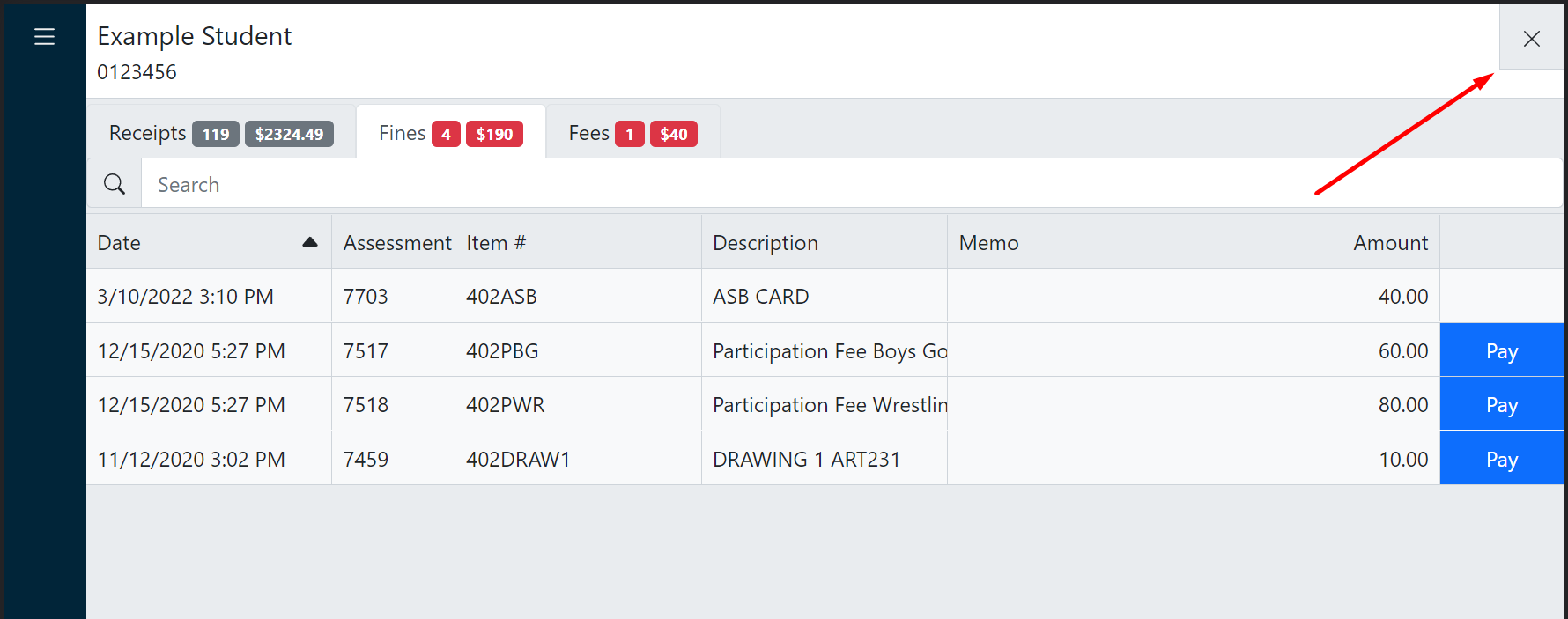
- View their fines/fees.
- Click the Pay button next to the fines/fees you wish to pay.
Tip
You can adjust the payment amount in step 7.

- Close the customer history panel.
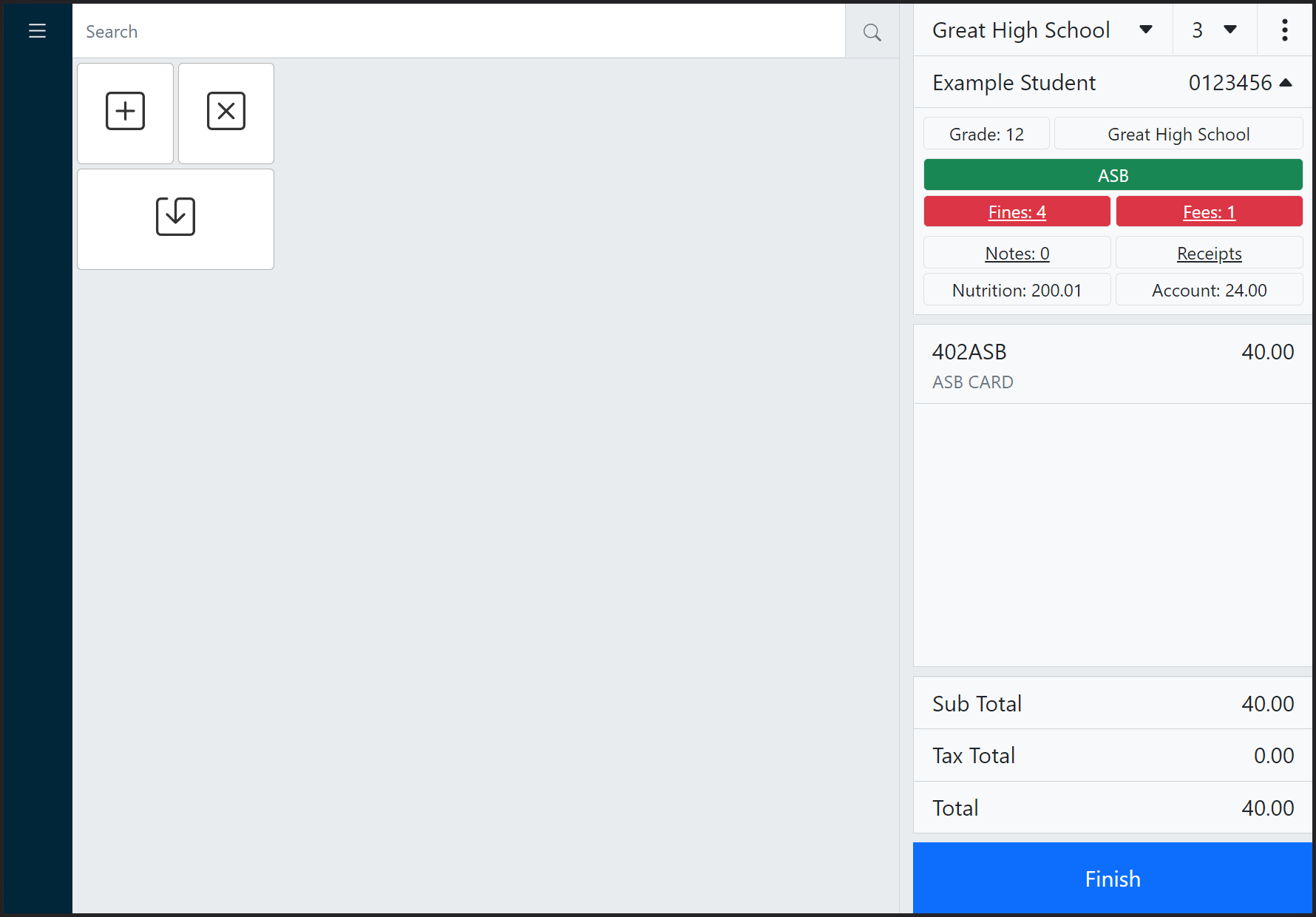
- The fines/fees will be listed in the cart.
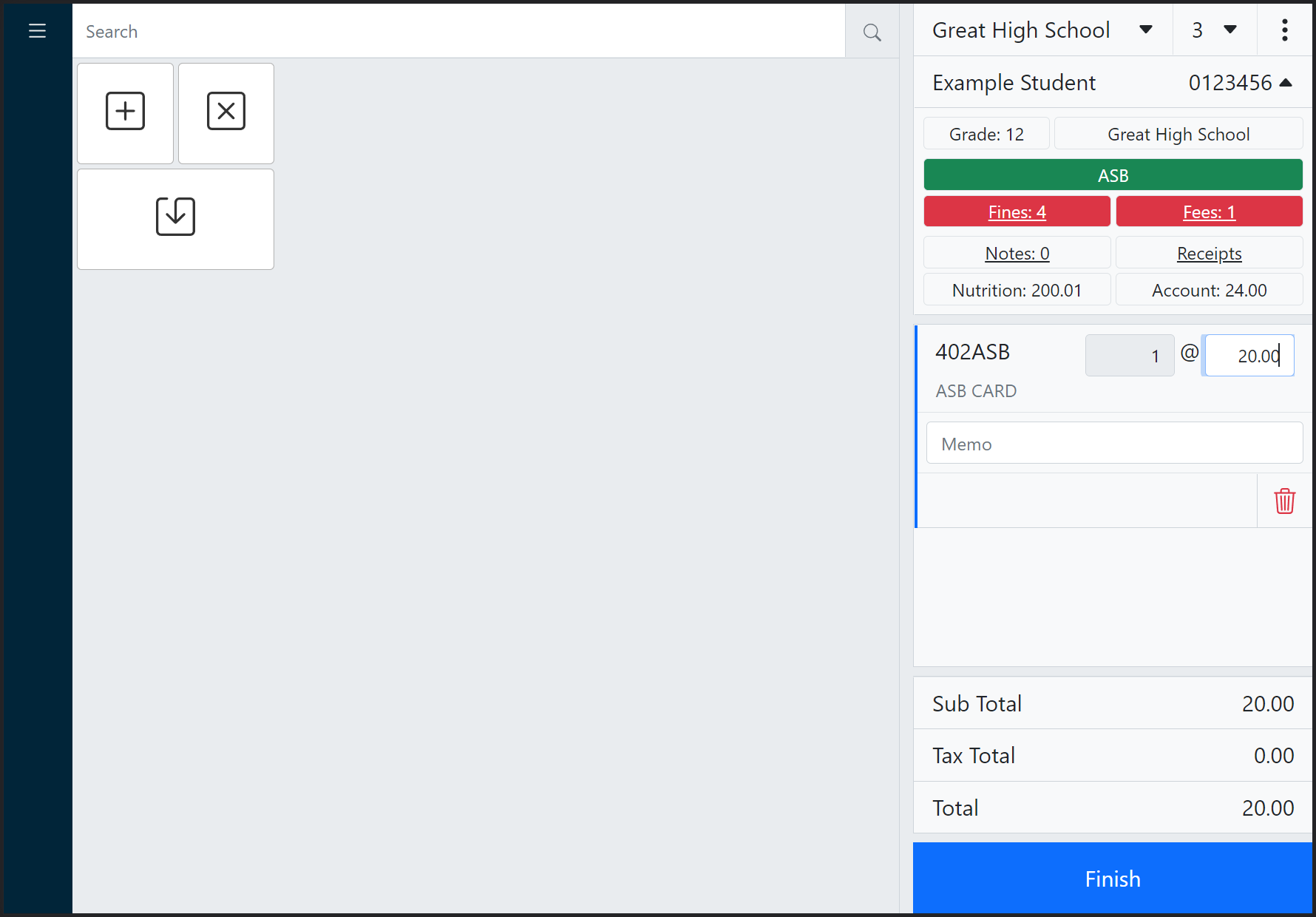
- Optionally, to make a partial payment, click the fine/fee in the cart and edit the price.
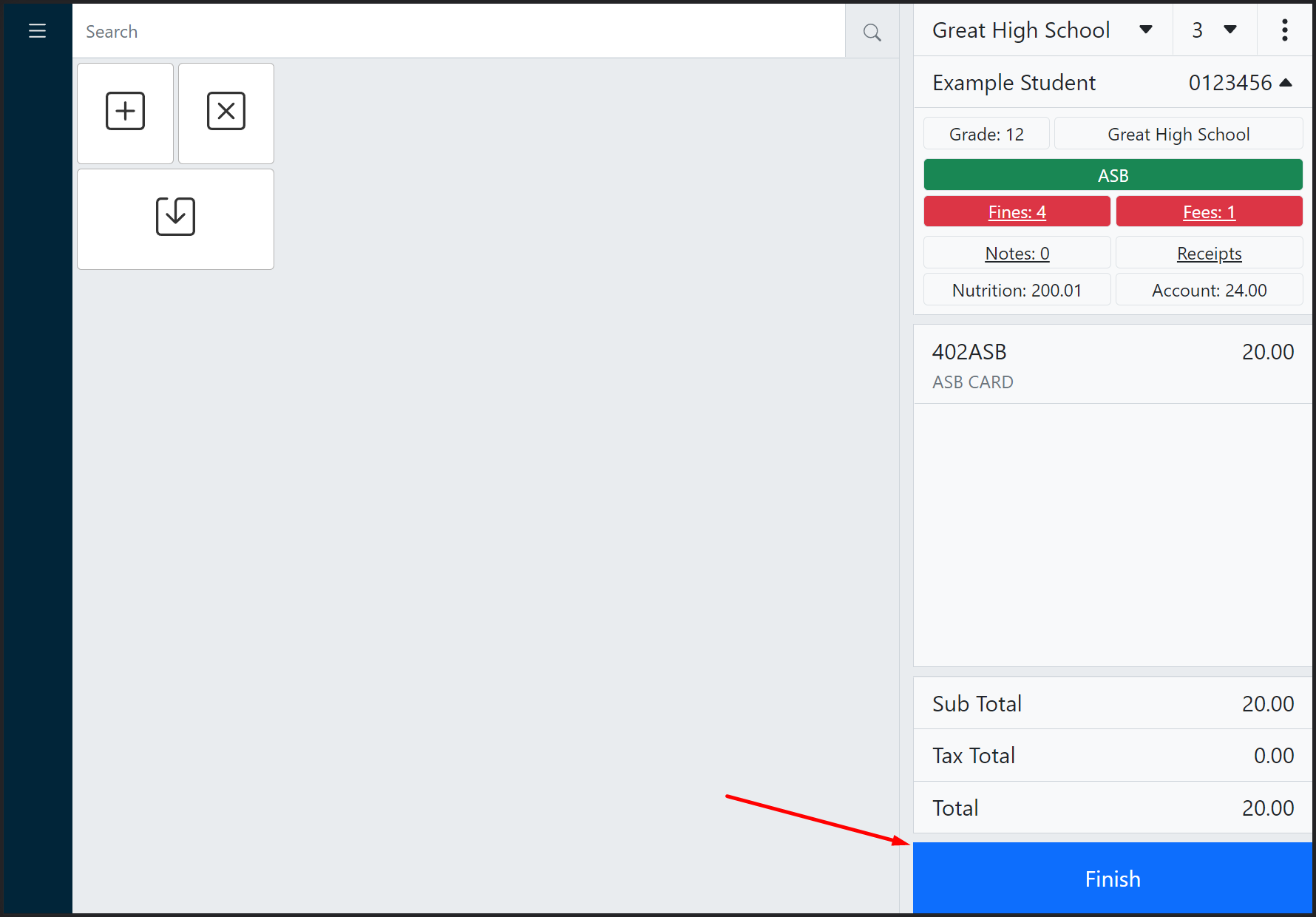
- Click Finish to reveal the payment panel.
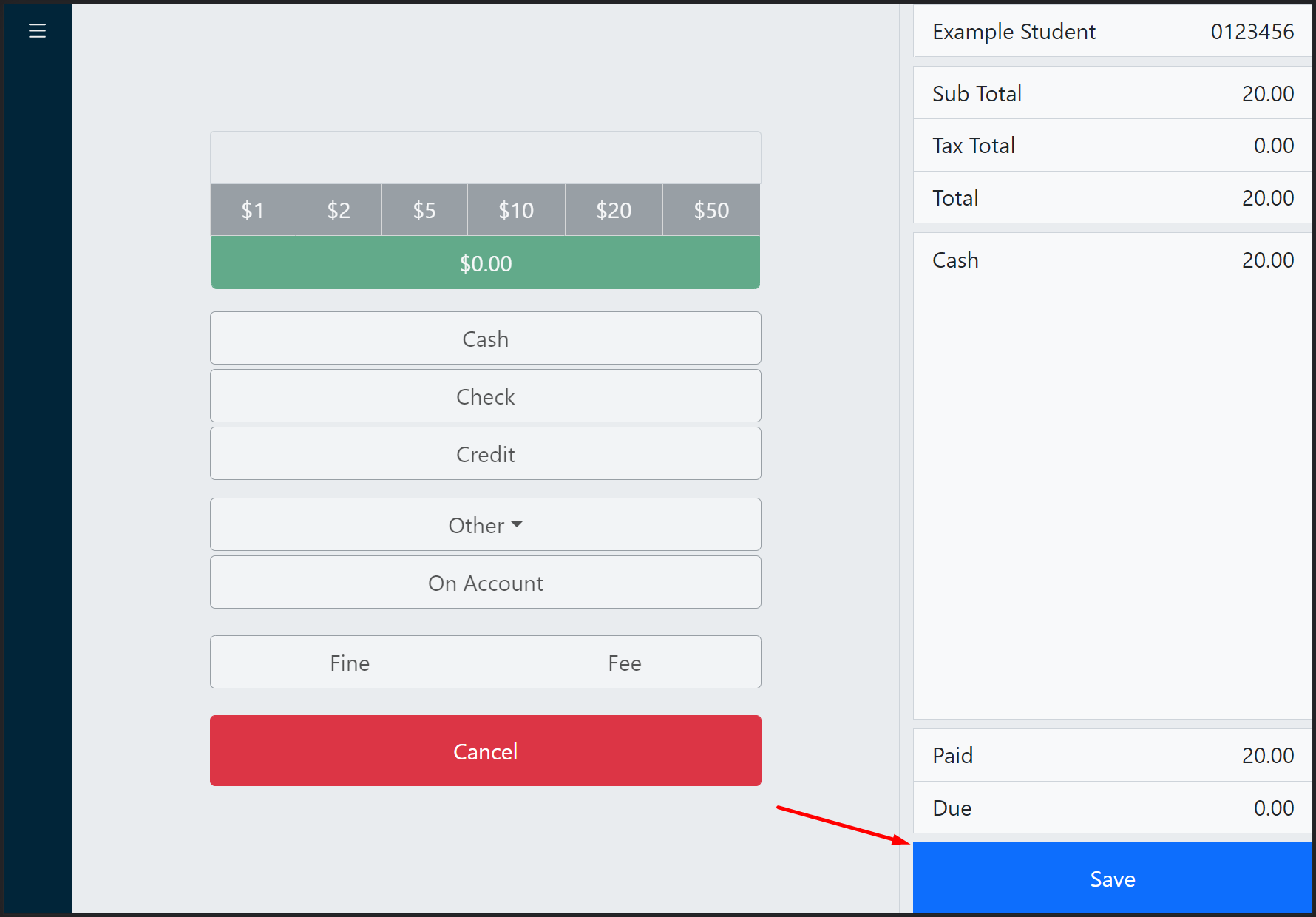
- Enter the payment amount and click the appropriate tender.
- Click Save to complete the sale.