
Introduction
This guide explains how to adjust a fine or fee in the Point of Sale system. Adjustments allow for reducing the amount of a fine or fee with proper reason codes and optional memos for documentation.
Steps to Adjust a Fine/Fee
- Go to Point of Sale.
- Lookup and select the customer.
- View their fines/fees.
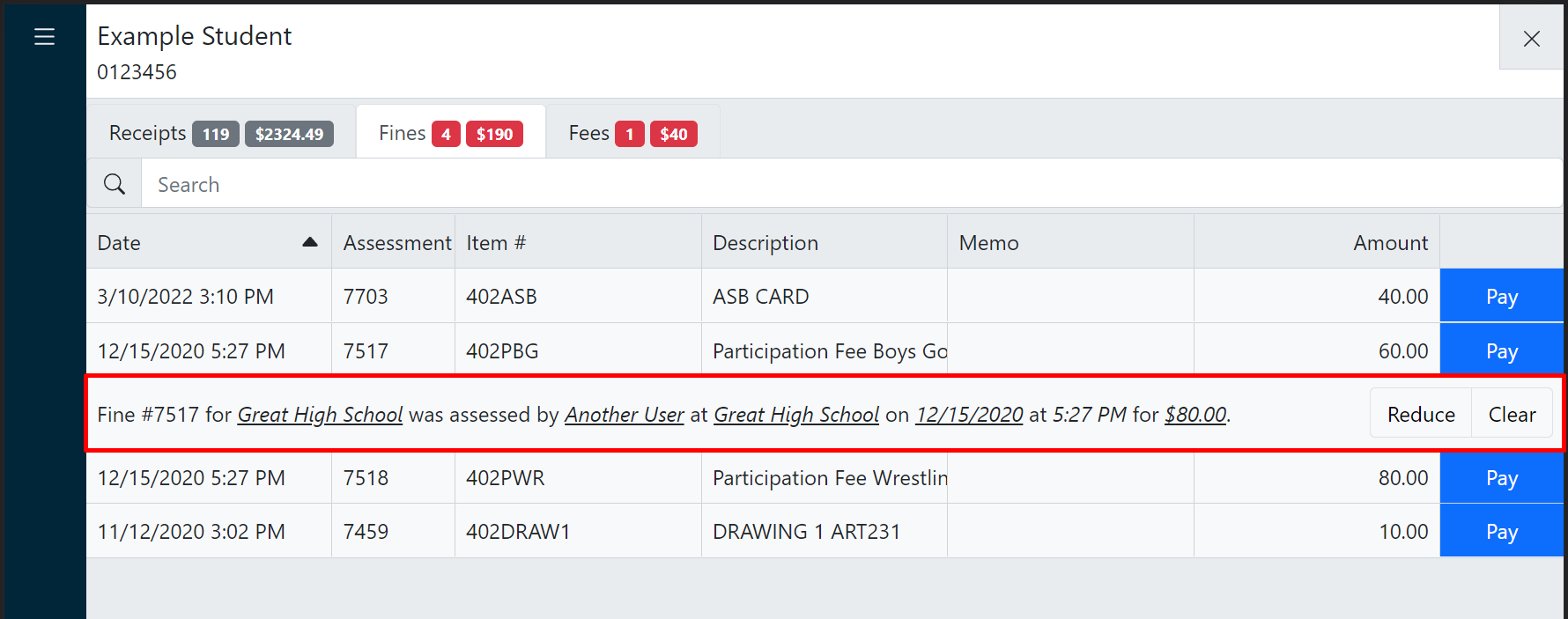
- Click a fine or fee to reveal additional information.
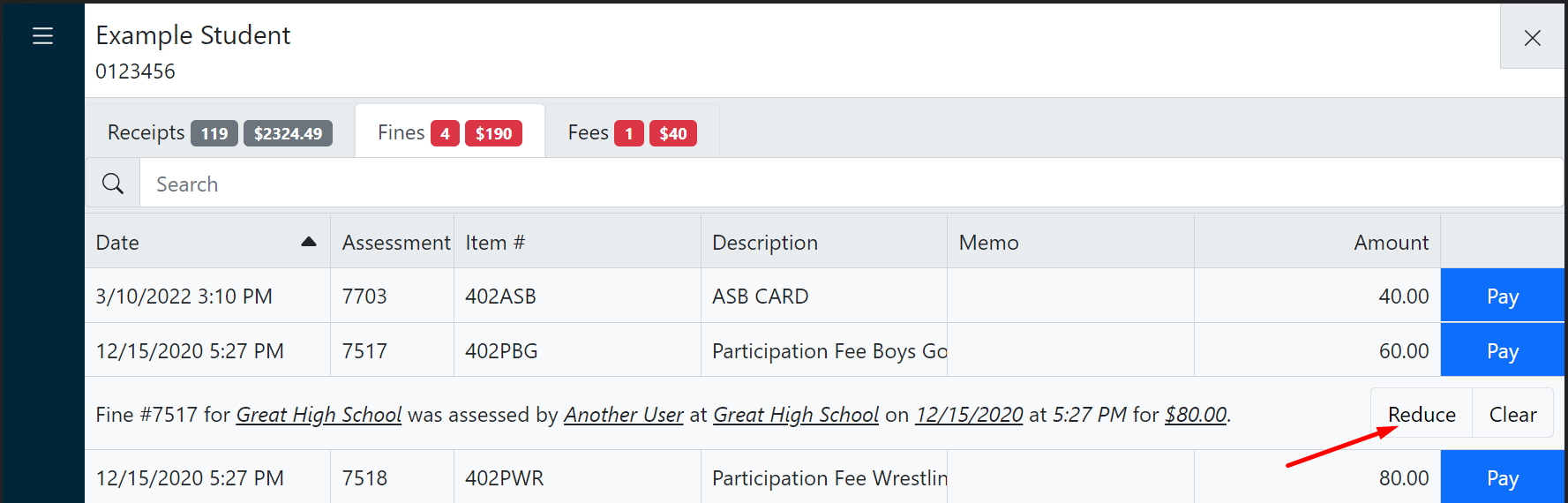
- Click Reduce.
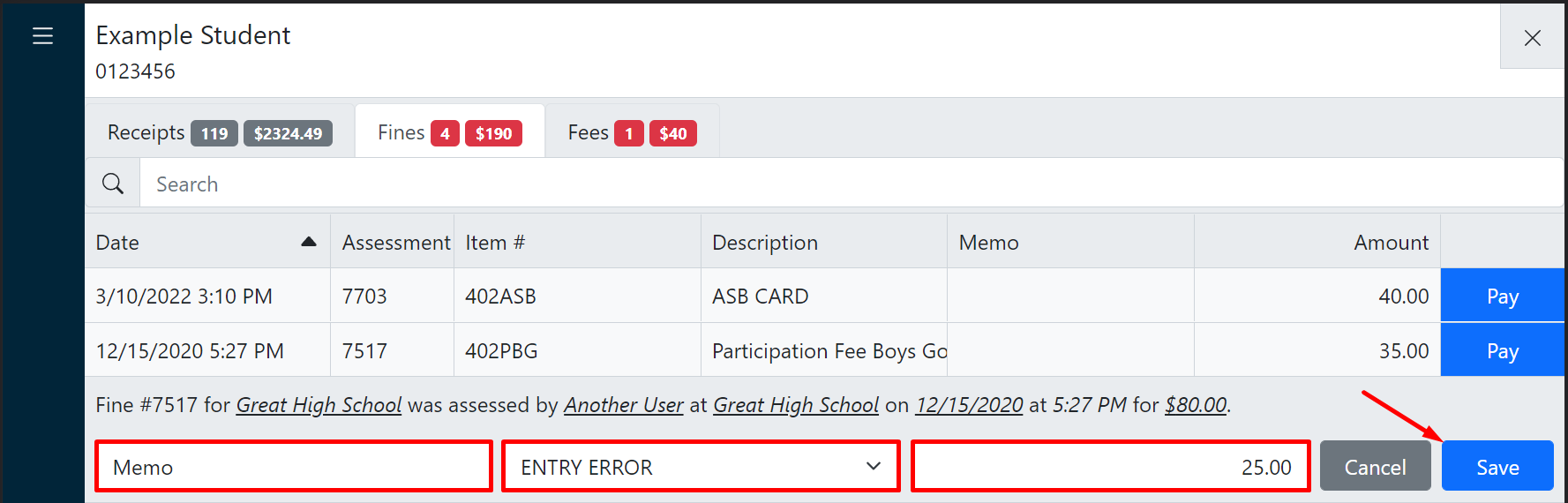
- Enter the reduction amount, select the appropriate reason code, and optionally enter a memo.
Additional Information
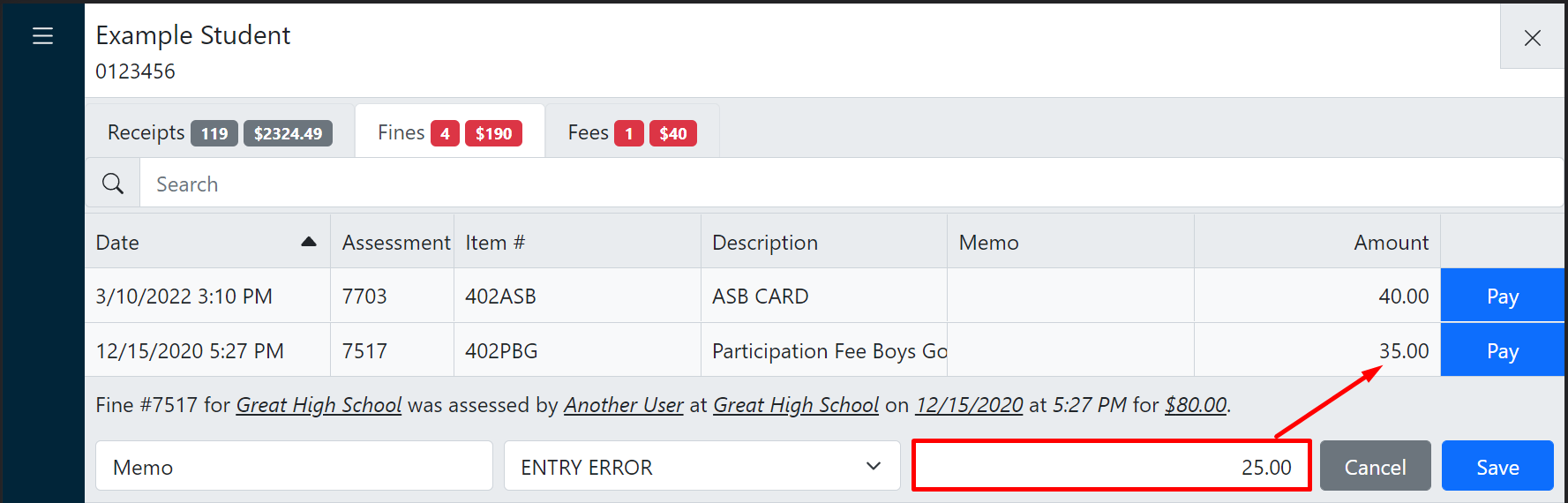
The resulting fine/fee balance updates in real-time as the reduction amount is entered, helping you verify the correct adjustment.
- Click Save.