Introduction
This article provides a step-by-step guide on how to look up an item in the Point of Sale (POS) system. Use this process to find specific items quickly and accurately.
How to Look Up an Item
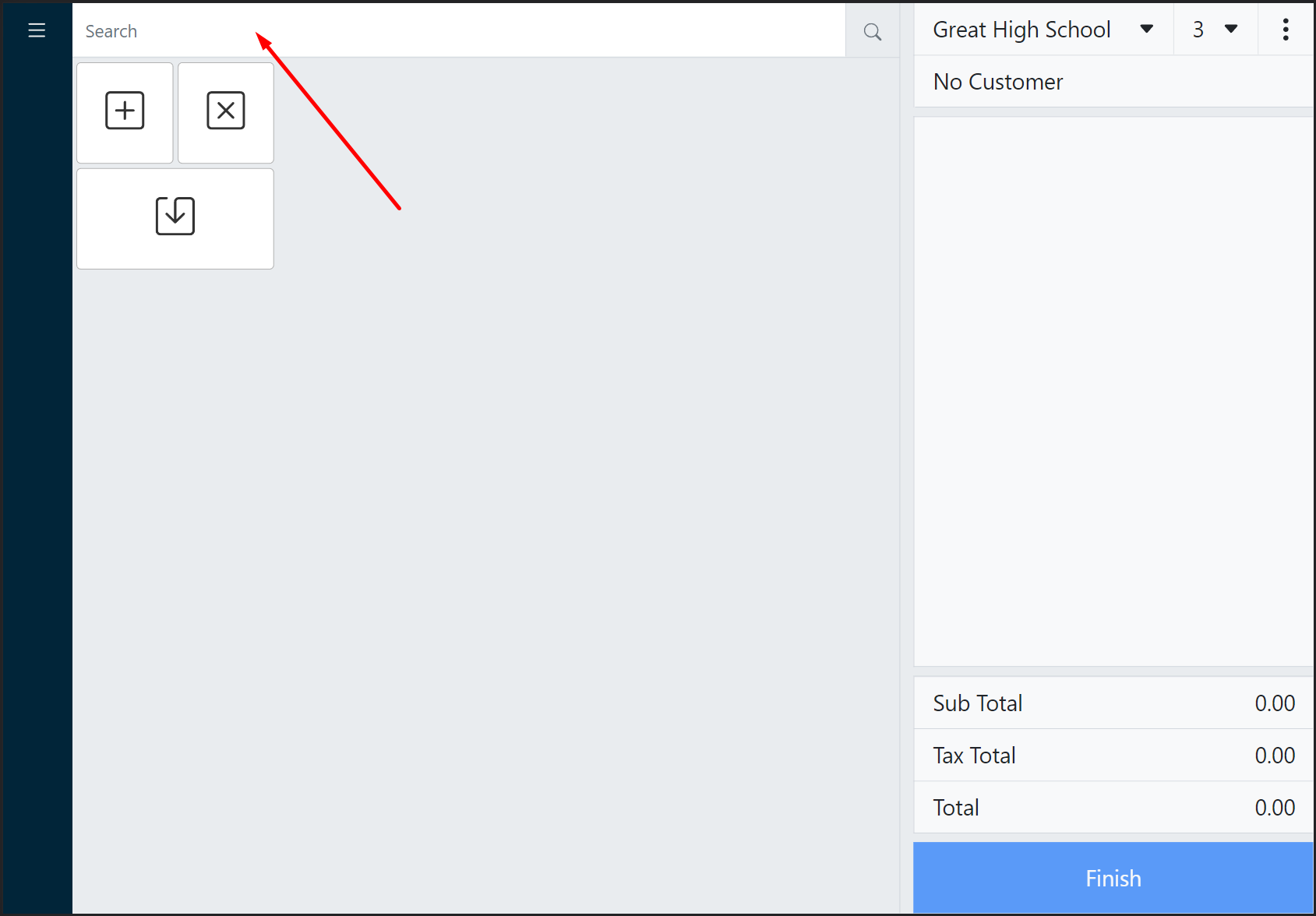
- Go to Point of Sale.
- Click the Search bar to activate the search menu.
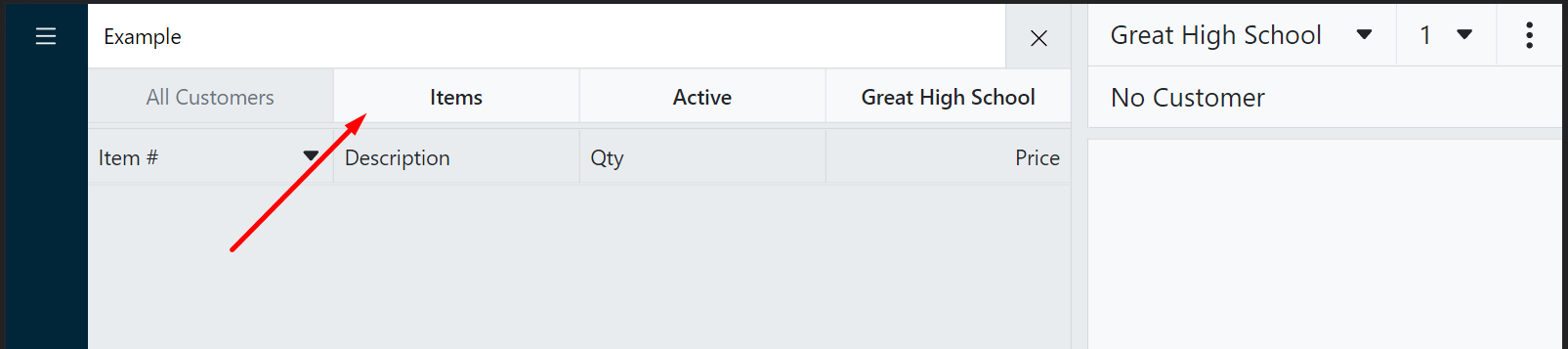
- Click the item filter to switch to item searching.
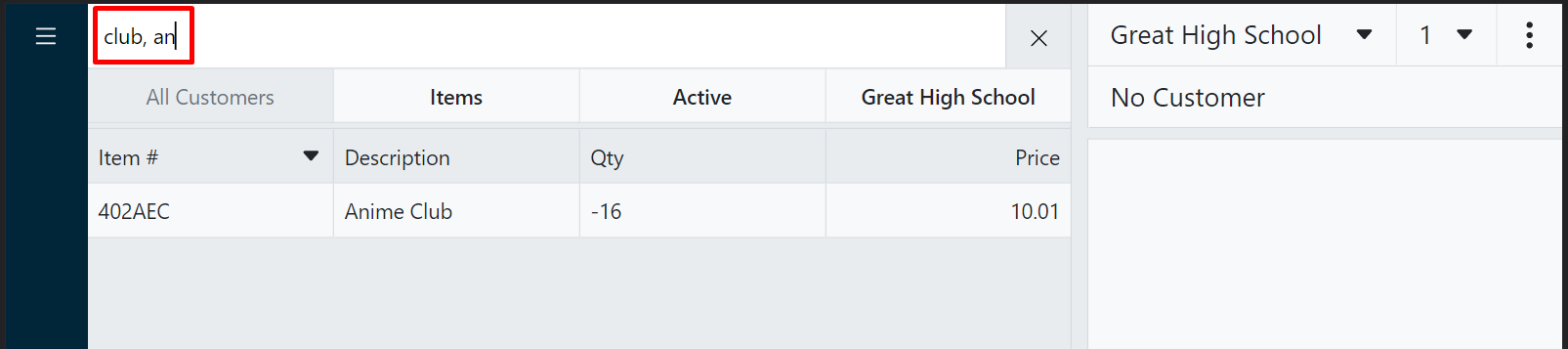
- Type any search criteria (Item #, description, price).
Tip:
Use up to 3 criteria, separated by commas!
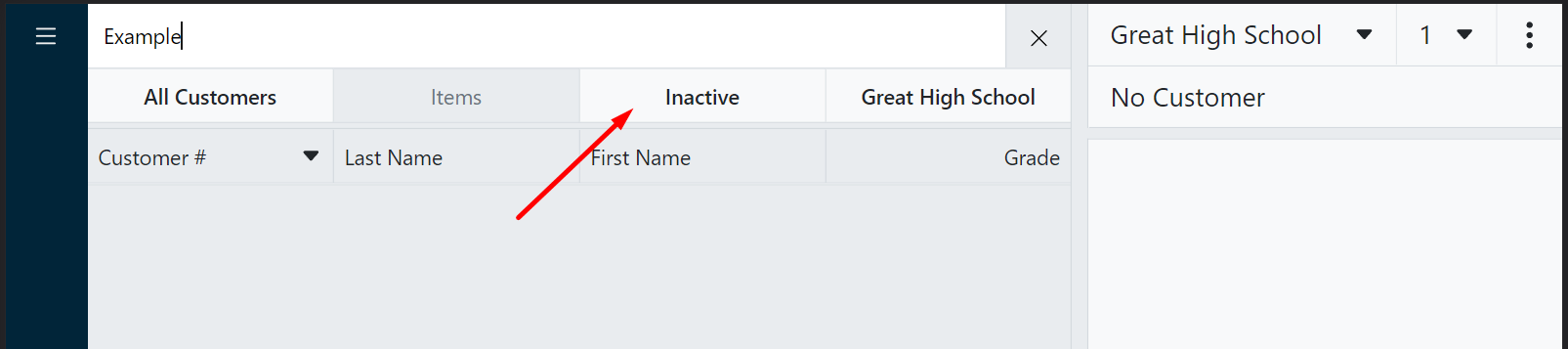
- If the item you are searching for is inactive, click the status filter.
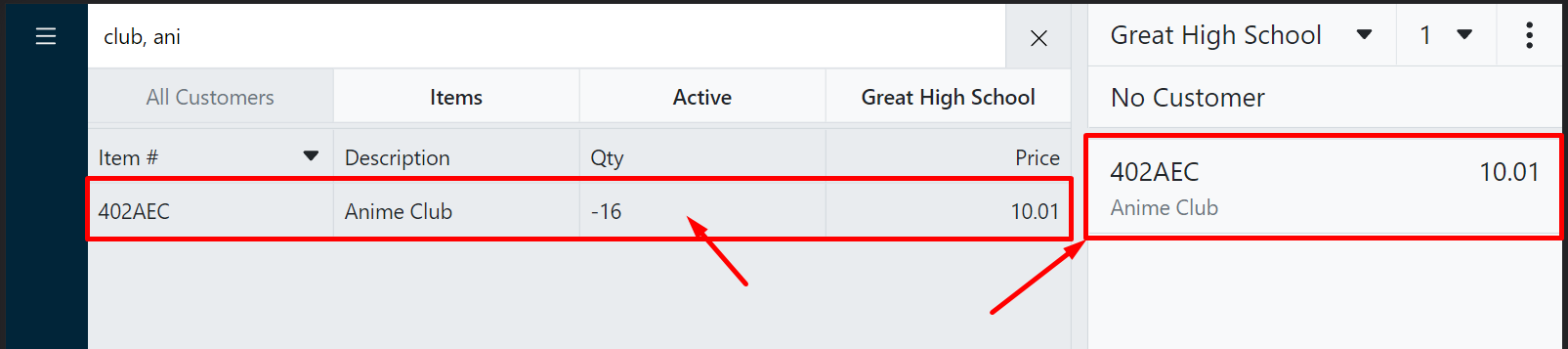
- Select the appropriate item, which will add the item to the cart.